
Getting the UK passport photo size correct is a critical first step in your application. For a physical, printed photo, Her Majesty’s Passport Office (HMPO) requires a strict 45 millimetres high by 35 millimetres wide. If you are applying online with a digital photo, the file must be a minimum of 750 pixels high by 600 pixels wide.
Adhering to these dimensions is non-negotiable. The automated systems at Her Majesty’s Passport Office (HMPO) will reject an application for an incorrectly sized photo, causing unnecessary delays. For professionals relying on a passport for business, this can disrupt operational continuity.
Your Essential Guide to UK Passport Photo Dimensions
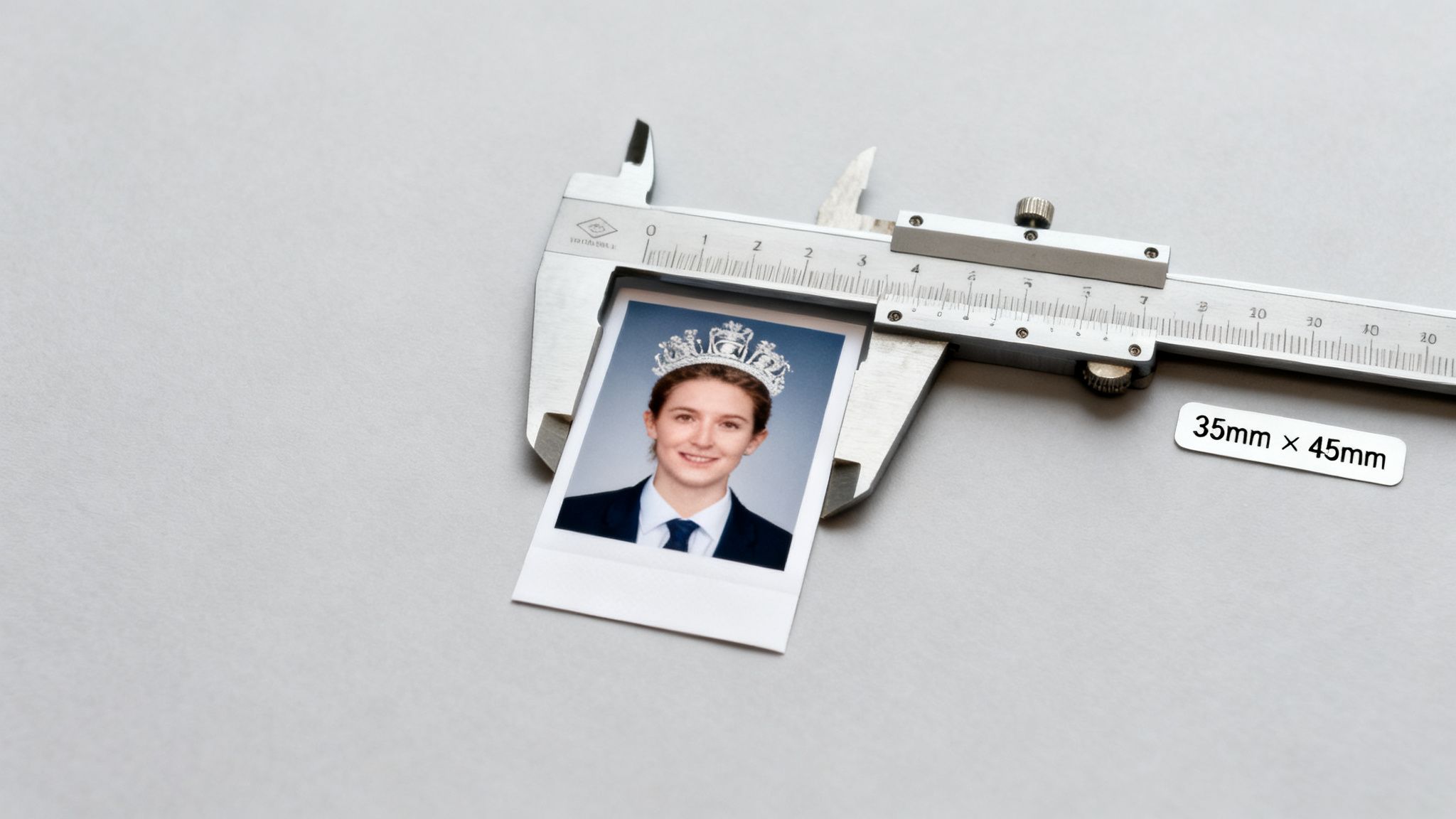
For frequent travellers—be it corporate executives, rotational workers in the energy sector, or airline crew—a rejected application is more than an inconvenience; it represents a significant business risk. These photo size rules are a fundamental part of the UK’s biometric passport security system, designed to ensure your photo works seamlessly with automated facial recognition at border e-gates.
This is precisely why HMPO is so strict. An incorrect photo is one of the leading reasons for application rejection, turning a straightforward renewal into a serious operational delay. Understanding these standards is the best way to ensure your application is approved on the first attempt.
To ensure clarity, here is a quick-reference table outlining the key specifications for both printed and digital photos, as per official GOV.UK guidelines. Use it as a checklist to confirm your photo is compliant before submission.
UK Passport Photo Specifications At a Glance
| Specification | Printed Photo Requirement | Digital Photo Requirement |
|---|---|---|
| Overall Dimensions | 45mm high x 35mm wide | Min. 750px high x 600px wide |
| File Size | Not Applicable | 50KB to 10MB |
| Head Size | 29mm to 34mm (chin to crown) | Proportional to overall image |
| Format | Two identical physical prints | .jpg or .jpeg file type |
Think of this table as your first line of defence against unnecessary delays. Getting these details right from the outset saves you time, money, and a lot of potential frustration down the line.
Getting Printed UK Passport Photos Right
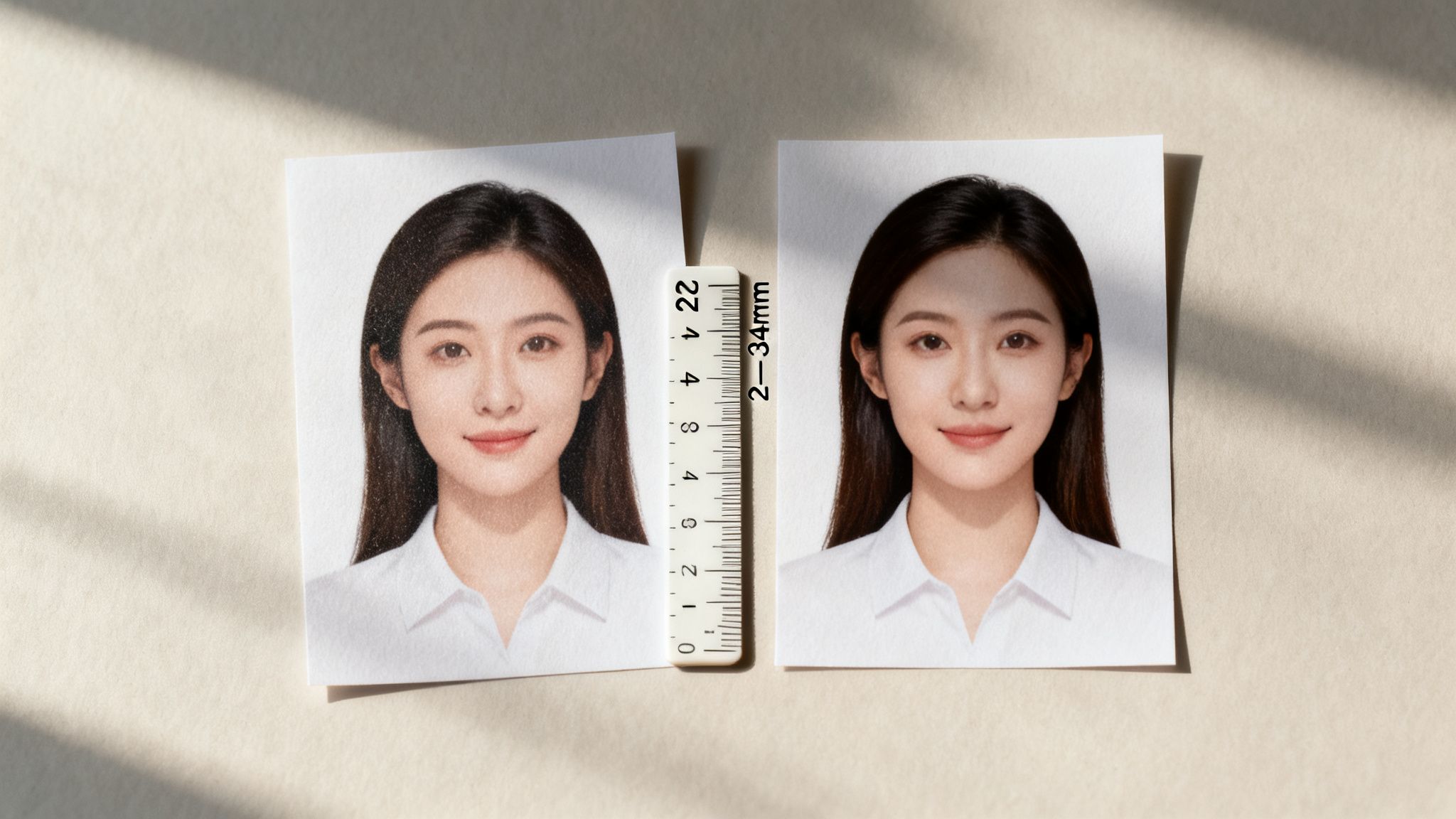
Despite the shift to online applications, printed photos are still required for certain paper-based forms, particularly when applying from overseas or for specialised services like a second UK passport. For these cases, the rules are non-negotiable.
The standard UK passport photo size is a precise 45mm high by 35mm wide. This is not an arbitrary dimension; it aligns with International Civil Aviation Organization (ICAO) standards to ensure your biometric passport can be read by machines globally.
Head Size and Positioning
This is where many applications fail. It is not just about the photo's overall size; the size of your head within the frame is critical. Her Majesty's Passport Office (HMPO) is very specific: the measurement from the bottom of your chin to the crown of your head must fall between 29mm and 34mm.
If your head appears too large or small, it disrupts the biometric scanners. For example, a photo where your head measures only 25mm high would be instantly rejected, causing a needless delay to your application. This is a common pitfall for those unfamiliar with the process.
Photo Quality and Paper Type
The physical photo itself must meet professional standards. You cannot print it on standard paper at home. Your photos must be professionally printed on low-gloss, photographic-quality paper. Photos printed on standard office paper or those with a high-gloss finish that creates reflection will be turned down.
Top Tip: You must submit two identical photos, and they must have been taken in the last month. Ensure they are in colour and undamaged—no creases, tears, or marks. Sending two different pictures is a common and easily avoidable mistake.
Adhering to these strict rules for printed photos is not about bureaucracy. It ensures your passport meets the robust security standards required for international travel, maintaining the integrity of the UK's borders.
Getting Digital Photo Size and Specs Right
With most UK passport applications now online, getting the digital photo specifications correct is the first hurdle. When you upload a photo, Her Majesty’s Passport Office (HMPO) is looking at pixels and file data, not millimetres. Their automated systems require a specific type of image to work correctly, and getting it wrong means an instant rejection. For anyone needing a second passport for business travel—an essential "Plan B"—these small technical details can be the difference between a smooth process and a costly delay.
The absolute must-know rule is that your digital photo needs to be at least 600 pixels wide and 750 pixels tall. This is the minimum resolution their biometric software needs to accurately map your facial features. If your image is smaller, the system will not let you proceed.
File Size and Format
It’s not just about the pixel dimensions. The file itself has to tick a few boxes. First, ensure your photo is saved as a JPEG or JPG file. The online portal does not accept other common formats like PNG or HEIC.
Next, check the file size. It has to be within a specific range:
- Minimum File Size: 50KB (kilobytes)
- Maximum File Size: 10MB (megabytes)
A file smaller than 50KB signals poor quality and will lack the detail required for a proper biometric scan. Conversely, a file over 10MB will be rejected by the uploader. This is a simple but common mistake, so always check the file's properties before you submit.
HMPO's strict standards ensure a 98% facial recognition match rate at e-gates, getting most travellers through in under five seconds. You can find all the details on the official UK government photo requirements page. An incorrect photo remains a primary cause of application rejection, which is why professional diligence is paramount.
A Note on Photo Codes
The most secure method is to use a photo booth or professional service that provides a digital photo code. You simply enter this code into your online application, and it pulls a pre-approved, fully compliant photo directly into the system. It is the safest way to know your picture meets every single technical rule.
Avoiding Common Photo Rejection Errors
Ensuring your photo meets the correct UK passport photo size is only the start. Her Majesty’s Passport Office (HMPO) enforces a host of quality rules to ensure your photo is biometrically scannable. If it fails, your application is rejected, which can be disastrous for a professional requiring a second passport for urgent travel and operational continuity.
The most frequent errors involve lighting, the background, and your expression. Your photo must be shot against a completely plain cream or light-grey background—no textures or patterns. This allows the facial recognition software to map your features without interference. Likewise, there must be no shadows on your face or behind your head, a classic mistake in home-taken photos.
Key Rules for a Compliant Photo
Your expression must be completely neutral. This means no smiling and your mouth must be closed. Your eyes must be open, clearly visible, and with no hair obscuring them.
If you wear glasses, they cannot have any reflections or glare, and the frames must not obscure any part of your eyes. To avoid rejection, it is always easier to remove them for the picture. A rejected photo can delay a vital second passport application by weeks, jeopardising business travel. For a full breakdown, consult the official passport photo requirements.
The GOV.UK website provides clear visual guides on what is and is not acceptable.
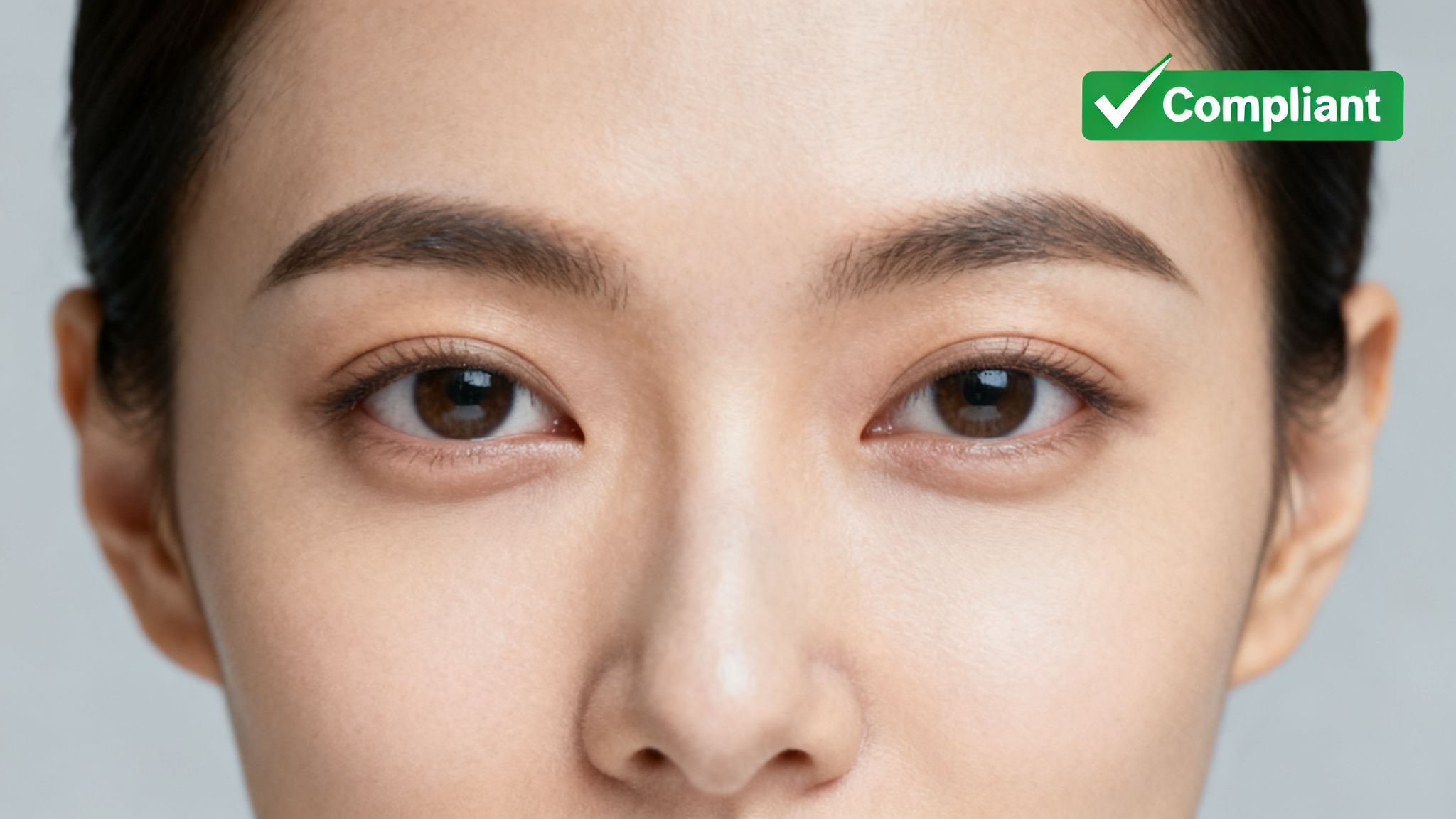
This official guidance illustrates how simple errors like shadows, incorrect facial expressions, or a cluttered background can lead to rejection. It underscores why adhering to professional standards is non-negotiable for a successful application.
Passport Photos for Children and Infants: What's Different?
Obtaining a passport photo for a child can seem challenging, but the rules are more flexible. The UK Passport Office understands that getting an infant or toddler to pose perfectly is impractical, so they have built common-sense allowances into their guidelines.
For any child under six, a neutral expression is not required; a slight smile is acceptable. For infants under one, their eyes do not need to be open. This provides significant relief for parents and avoids the frustration of an application being rejected for an uncontrollable factor.
Practical Tips for Taking Kids’ Passport Photos
A compliant photo can be taken at home with a few simple techniques. The goal is a clear shot of your child against a plain background, similar to an adult photo.
Here are two effective methods:
- For Babies: Lay your baby on their back on a simple, light-grey or cream-coloured sheet. Ensure the sheet is pulled taut to avoid wrinkles or patterns. Then, take the picture from directly above.
- For Toddlers: If they are restless, a car seat can be useful. Drape a plain, light-coloured cloth over the seat to create a seamless background behind their head and shoulders.
Regardless of the method, the photo must be of the child alone. No toys, dummies, or visible hands supporting them are permitted. Even a stray finger in the shot will cause the photo to be rejected.
Your Final UK Passport Photo Compliance Checklist
Before submitting your application, run through this final checklist. Getting it right the first time avoids frustrating rejections and delays—a crucial advantage for professionals who need a second passport as an "insurance policy" against travel downtime.
Size and Framing
This is where most applications fail, so check these measurements carefully.
- Printed Photos: The photo must be exactly 45mm high by 35mm wide.
- Digital Photos: The image file must be at least 600 pixels wide and 750 pixels tall.
- Head Size: In a printed photo, the distance from your chin to the crown of your head must be between 29mm and 34mm. This is a critical biometric measurement.
Quality and Background
The technical quality of the photo is as important as its dimensions.
- Background: The backdrop must be a plain, uniform cream or light-grey colour. No patterns, objects, or shadows are allowed.
- Lighting: Your face must be lit evenly, with no shadows on your face or on the background.
- Photo Quality: Your photo must be sharp, clear, and in focus. Printed photos must be on high-quality photographic paper with no creases, tears, or smudges.
The official rules are more lenient for infants, as this graphic shows.
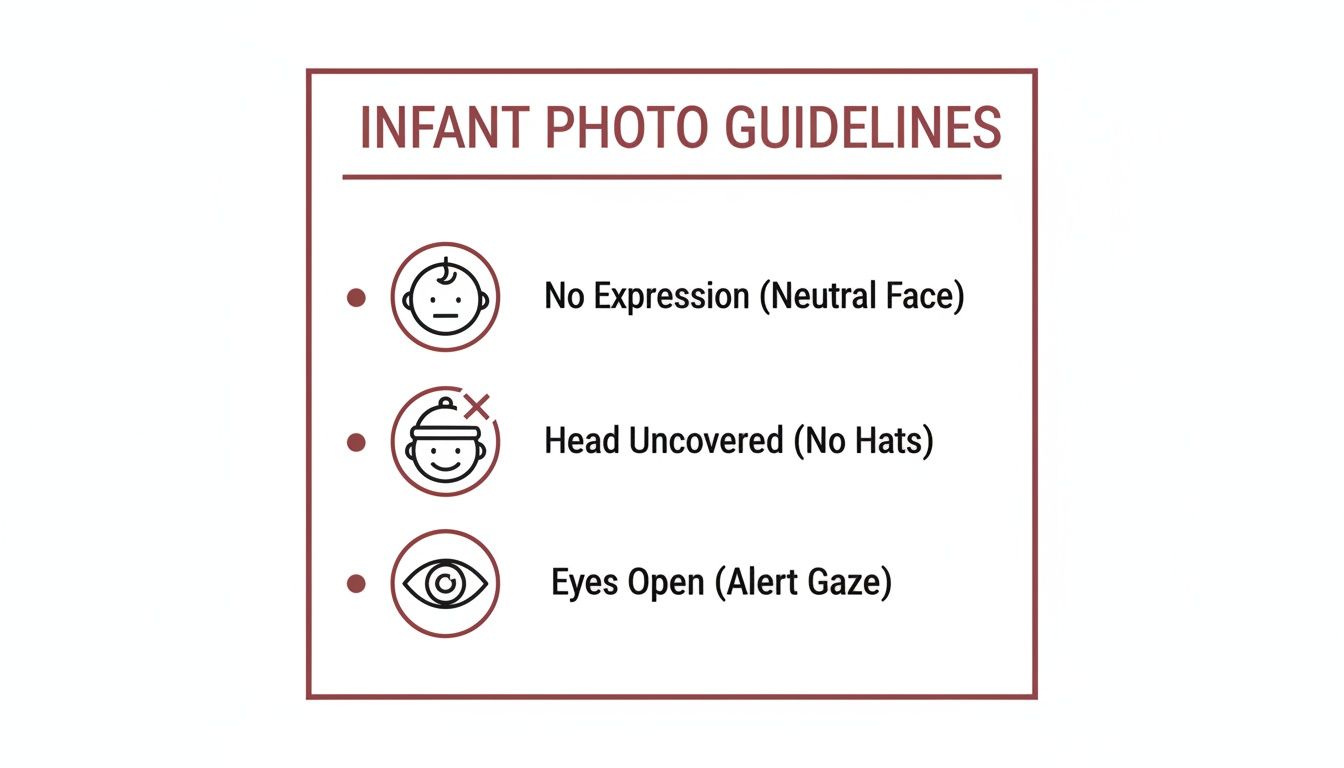
As you can see, the main takeaways for baby photos are that a neutral expression isn't strictly necessary, their head must be uncovered, and their eyes should be open if possible.
Expression and Appearance
Finally, check your pose and what you're wearing.
- Expression: A plain, neutral expression with a closed mouth is required.
- Obstructions: Your entire face must be visible. Hair must not cover your eyes or eyebrows.
- Headwear/Glasses: No head coverings are allowed, unless for religious or medical reasons. It is best to remove glasses to prevent glare or reflections.
For busy professionals, getting every detail perfect is non-negotiable, especially when applying for a second passport. You can find out more about securing that vital travel document at https://secondukpassport.com/.
UK Passport Photo: Your Questions Answered
Getting the photo right is one of the most common stumbling blocks in a passport application. Here are straight-to-the-point answers to the questions we hear most often about UK passport photo rules.
Can I Wear Glasses in My UK Passport Photo?
Technically, yes, but it is strongly advised against it. The official guidelines from His Majesty's Passport Office (HMPO) are incredibly strict: there can be no glare or reflection on the lenses, and the frames must not cover any part of your eyes.
Even with professional lighting, achieving a reflection-free shot is difficult and is a leading cause of photo rejection. To ensure a successful application and avoid delays, simply remove them for the photo.
How Recent Does My Passport Photo Need to Be?
Your photo must have been taken within the last month before you submit your application. This is a strict, non-negotiable rule.
Do not use an older photo, even if your appearance has not changed. The rule ensures your biometric passport contains a current likeness for security checks. For a second passport, where scrutiny is high, a brand-new photo is essential.
A neutral expression is a strict requirement for biometric facial recognition software. Any smiling or mouth movement can interfere with the system's ability to map your facial features accurately, leading to an automatic rejection of the photo by HMPO's automated checks.
Can I Smile in My Passport Photo?
No. A completely neutral expression with your mouth closed is required. This is a technical requirement for the UK’s biometric passport system to function correctly.
What Is a Digital Photo Code?
A digital photo code is a unique code provided by a photo booth or professional photographer. When you apply online, you enter this code, and your photo—which has already been verified for compliance—is pulled directly into your application.
Using a code is an excellent way to mitigate risk and avoid issues with file sizes, formats, or other digital requirements. It effectively guarantees the photo will not be the cause of rejection.
Navigating the fine print of a passport application can be a minefield, especially when you can’t afford delays. Second UK Passports specialises in getting every detail spot-on, including photo compliance, for your second passport application.